Music Discovery
How to Find a Song by Humming (When You Don’t Know the Lyrics)
Swiftful DynamicsPublished 5 min read
Quick answer
Here’s how to find a song by humming: open the Google app on iPhone or Android, tap the microphone, then tap Search a song. Hum the part you remember for about 10 to 15 seconds. Play the suggested tracks to check the tune. If none match, try a different part of the song.
How to use Google’s song search on iPhone or Android#
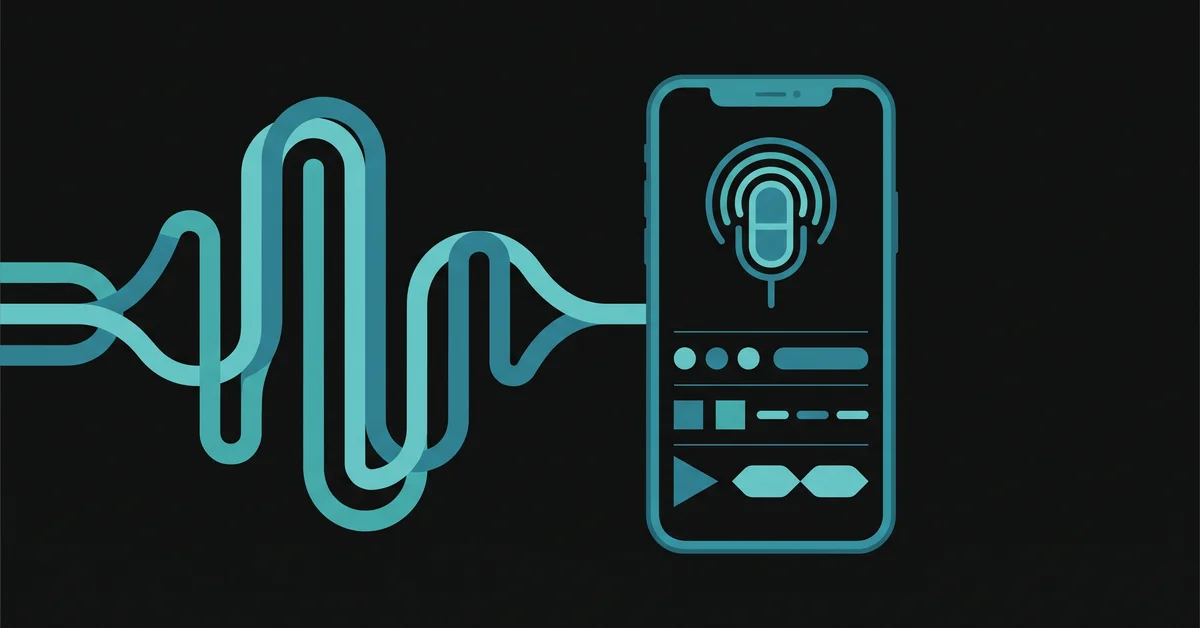
Use the Google app, not the microphone on your keyboard. The control you want is Search a song. These steps follow Google’s instructions for iPhone and Android.
- Pick the clearest part you remember. The chorus is a good place to start if you can hum it without stopping. If all you remember is the guitar line from the intro, use that instead.
- Open the Google app and tap the microphone. Tap Search a song when the listening screen opens. If you’re asked for microphone access, allow it so the app can hear you.
- Hum the tune at a steady pace. Google suggests about 10 to 15 seconds. Don’t worry about starting on the original note. Try to keep the rhythm, including any long notes or pauses you remember.
- Listen past the intro. Open a suggested match and skip to the part you hummed. The intro may sound nothing like the chorus, so don’t rule out a result before you hear the relevant section.
- Save the title and artist once you’re sure. If the melody fits but the singer or tempo is wrong, check for a cover, live version, or remix. Finding the song and finding the recording you heard are two separate things.
Which tool should you use for the clue you have?#
Google’s humming search looks for a melody that resembles the one you supply. Apple’s Shazam Music Recognition is for identifying music that’s playing. If you can replay the original, use it rather than trying to recreate it from memory.
| What you have | Where to start | What to do |
|---|---|---|
| A tune in your head | Google’s Search a song | Hum, whistle, or sing the part you know. |
| A tune Google didn’t match | SoundHound | Its Android listing says to tap the orange button and hum or sing. |
| A song playing near you | Shazam | Let it listen to the recording before the music stops. |
| A video you can reopen | Video song finder guide | Check the video’s audio label or identify the track from the clip. |
| A few words you’re sure of | A lyric search | Search the words in quotes, then try without quotes if you may have misheard them. |
What if humming doesn’t find the song?#
Change one thing on the next attempt. Try the chorus instead of the intro, or whistle if that makes it easier to reach the notes. If you remember an instrumental hook, hum that alone. Switching between the vocal and the bass line halfway through gives the search two different parts to work with.
If the same wrong song comes up, listen to the section that sounds like your tune. You might be remembering a cover, or two songs might share a similar phrase. Try the notes that come just before or after that phrase rather than repeating the same few seconds.
When another attempt doesn’t help, switch clues. Think about where you heard it: a show, a shop, a creator’s video, or a playlist. A scene description plus the show’s name gives you something to search even without lyrics. If you find the clip but speech covers the music, our guide to identifying a song on iPhone explains where to start with the audio you have.
Three mistakes that make a melody harder to find#
- Tapping the keyboard mic instead of Search a song. Dictation listens for words. Go back to the Google app’s search bar and choose the song search option.
- Tapping the rhythm without humming the notes. The beat is only part of the clue. Hum the rise and fall of the melody as well as the timing.
- Trusting the first suggested title without listening. A result is a lead, not proof. Compare the section you remember, then check the artist if several recordings share the title.
If you find the video again#
If the tune came from a TikTok you can reopen, share the video to TagTheSound to look up the song title and artist. It uses the video, not your humming. Find it on the App Store.
FAQ#
Can Google recognize a song from humming alone?#
Yes. Open the Google app on iPhone or Android, tap the microphone, then tap Search a song. Hum the melody and listen to any suggested matches to confirm the song.
Can Shazam or Siri find a song if I hum it?#
Use Google’s Search a song for humming. Apple describes Shazam Music Recognition and asking Siri to identify music as ways to name music that’s playing.
Can I whistle or sing instead of humming?#
Yes. Google’s song search accepts whistling and singing as well as humming. Use whichever lets you keep the tune and rhythm most clearly.
How long should I hum for Google to find the song?#
Google suggests humming for about 10 to 15 seconds. Use the clearest phrase you remember, and try another section if the first one doesn’t bring up a match.
Can I find an instrumental song by humming?#
It’s worth trying if you remember a distinct tune, such as a repeating piano line. Hum that line rather than the drumbeat. If there’s no match, check where you heard it for track credits.
Sources#
Find the song behind any video.
Free on iPhone. No account, no subscription.
Last updated