Music Discovery
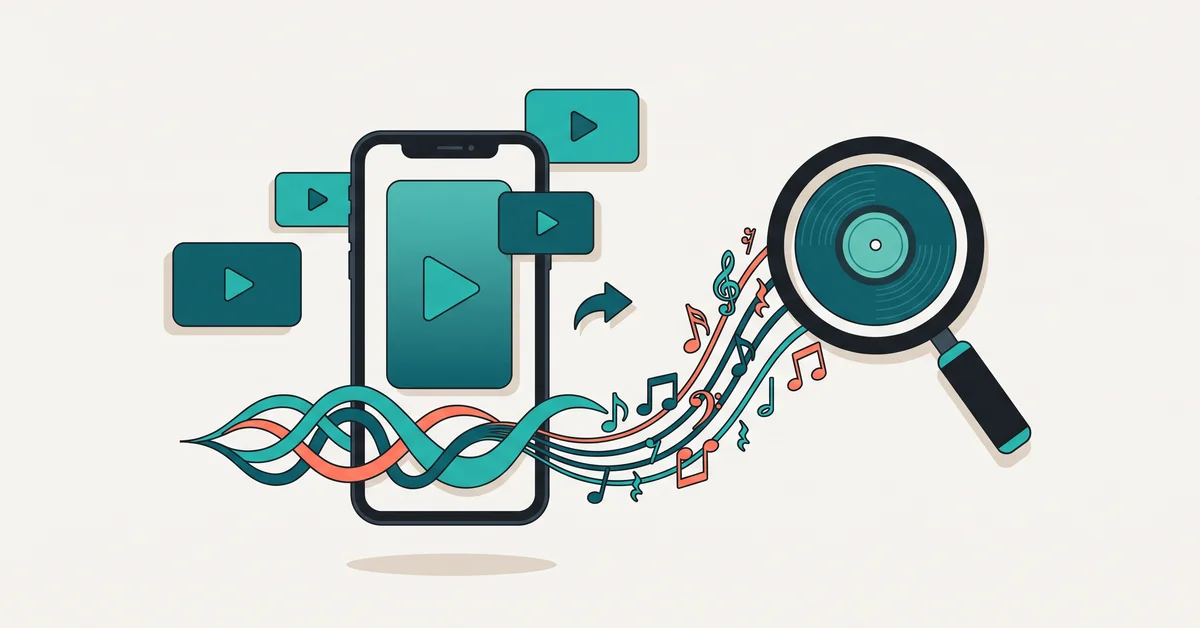
How to Identify Music in a YouTube Short
The TagTheSound teamPublished 10 min read
Quick answer
To identify music in a YouTube Short, tap the sound or music label at the bottom of the Short; YouTube often lists the track. If it isn't labelled, check the description and comments, play it near Shazam, or share the Short's link to a song finder that accepts YouTube links. Identifying a song doesn't license it for reuse.
The Challenge of Music Identification in YouTube Shorts#
The rise of short-form video has transformed how we discover new artists, yet the technical nature of these clips often makes it difficult to identify music in a YouTube Short. Unlike traditional long-form videos where a detailed description box often lists every featured track, Shorts are designed for rapid consumption and often utilize "original audio" that may be a remix, a mashup, or a heavily edited snippet of a commercial song. This environment creates a unique set of hurdles for the average listener trying to build a playlist from their scroll.
One primary difficulty lies in the layering of audio. Creators frequently blend trending tracks with voiceovers, sound effects, or ambient noise, which can confuse standard acoustic fingerprinting algorithms. Furthermore, the "speed-up" and "slowed-down" trends (where a song's tempo and pitch are altered to fit a specific aesthetic) can move a track outside the recognition parameters of traditional databases. According to the U.S. Copyright Office, the Music Modernization Act has improved how digital services handle mechanical licenses, but the sheer volume of user-generated content still outpaces the ability of automated systems to label every derivative work accurately 7.
Another factor is the inconsistent labeling within the YouTube ecosystem. While YouTube's Content ID system is robust, it primarily functions to protect rights holders through monetization or blocking, rather than serving as a user-facing discovery tool. If a creator uploads a Short using a song that isn't in YouTube's official "Add Sound" library, the video might simply display "Original Audio" even if a recognizable pop song is playing in the background. This necessitates a more proactive approach from users who want to find a song from a Short without relying solely on the platform's automated tags.
How to Identify Music in a YouTube Short: A Step-by-Step Guide#
When you encounter a track that resonates but isn't immediately labeled, follow these steps to perform a thorough youtube music identification check. This process moves from the easiest built-in methods to more advanced external tools.
- Check the Sound Icon and Title: Look at the bottom right corner of the Short. If the music is recognized by YouTube, you will see a small square icon or a scrolling track title. Tapping this will take you to a dedicated page for that sound, showing the artist and other videos using the same audio.
- Inspect the Video Description: Tap the three vertical dots (usually in the top right or bottom right depending on your device) and select "Description." Scroll to the bottom to see if there is a "Music in this video" section. This is generated by YouTube's Content ID and is the most reliable source for official track data 5.
- Scan the Comments Section: If the official methods fail, the community often has the answer. Open the comments and search for keywords like "song," "name," or "music." In many cases, other users have already asked and received an answer from the creator or a helpful viewer.
- Use iOS Music Recognition: For iPhone users, swipe down to open the Control Center and tap the Shazam icon while the Short is playing. This system-level tool can listen to the audio output of your device and provide a match without leaving the YouTube app 1.
- Paste the Link into a Discovery Tool: Copy the URL of the Short by tapping "Share" and then "Copy Link." You can then paste this link into a specialized discovery utility that analyzes the video's metadata and audio stream to find a match.
- Try a Lyric Search: If you can hear a clear line of vocals, type the lyrics into a search engine followed by the word "lyrics." This manual method remains highly effective for identifying songs that have been slightly altered in pitch but retain their lyrical content.
- Verify the Match: Once you have a potential artist and title, search for the track on a streaming service like Apple Music to confirm it is the correct version. Note the specific remix or edit, as many Shorts use non-radio edits.
Comparing Discovery Methods: Built-in vs. Third-Party Tools#
Choosing the right YouTube Shorts song finder depends on the specific video and the level of detail you require. While built-in tools are convenient, they are often limited by YouTube's internal library. The following table provides a transparent comparison of common discovery workflows based on current technical capabilities.
| Method | Best For | Pros | Cons |
|---|---|---|---|
| YouTube Sound Button | Trending sounds | Instant, shows other videos | Only works for library tracks |
| Shazam (iOS/Android) | Commercial music | Wide database, system-level | Fails on heavy remixes/dialogue |
| Link-Pasting Tools | Obscure links | No mic needed, metadata analysis | Requires switching apps |
| Manual Comment Search | Community trends | Finds niche/unreleased tracks | Time-consuming, not guaranteed |
| Google Hum to Search | Unclear audio | Can handle pitch variations | Requires user to mimic the sound |
This comparison is provided for informational purposes and is based on an impartial review of available technologies. To maintain editorial independence, this guide evaluates tools based on their public features and documented performance rather than affiliate partnerships. Each tool has its own strengths; for instance, Apple's integration of music recognition into iOS provides a seamless experience for identifying tracks playing within other apps, which is a significant advantage for mobile-first users 1. Conversely, manual methods are often the only way to identify unreleased tracks or "SoundCloud-only" remixes that haven't been indexed by major fingerprinting services.
Respecting Music Rights and Creator Ethics#
Identifying a track can help you discover its title and artist, but it does not grant permission to use, repost, or monetize that music. Check the applicable platform’s current music and licensing rules before publishing content that includes a track.
When you successfully find song from Short content, it is tempting to immediately use that same audio in your own creations. However, the legal landscape of digital music is complex. YouTube's copyright policies are designed to ensure that rights holders are compensated, and using a song without authorization (even if you found it on the platform) can lead to copyright strikes or video removal 5. For creators looking to stay compliant, utilizing the Creative Commons framework or the official YouTube Audio Library is recommended to avoid legal complications 6.
Furthermore, it is important to distinguish between "fair use" and "commercial use." Just because a song is available for listening does not mean it is available for your business's promotional video. The U.S. Copyright Office provides resources on the Music Modernization Act to help the public understand how licensing has shifted in the streaming era, emphasizing the importance of proper attribution and licensing 7. This article provides general information and does not constitute legal advice; always consult with a legal professional or the platform's specific terms of service regarding copyright matters.
How Tag The Sound makes this easier#
Tag The Sound simplifies the discovery process by allowing iPhone users on iOS 17 or later to identify music from video links without needing to play the audio out loud. By pasting a link or sharing it directly to the Tag The Sound app, you can retrieve track titles, artist names, and Apple Music links. While optimized for TikTok, the service can identify music in most YouTube Shorts, though matches are not guaranteed for heavily altered or layered audio.
Frequently asked questions#
How do I identify music in a YouTube Short if there is no label?#
If a Short is not labeled, your best options are to use a system-level recognition tool like Shazam on iOS, paste the video link into a discovery app, or check the comments where other viewers may have identified the track.
Is there a free YouTube Shorts song finder for iPhone?#
Yes, there are several free options for iPhone users, including the built-in Music Recognition feature in the iOS Control Center and various third-party apps available on the App Store that offer link-based identification.
Why can't I find the song from a Short in the YouTube Audio Library?#
The YouTube Audio Library consists of royalty-free tracks provided by YouTube. Most music heard in Shorts comes from commercial artists or the "Add Sound" library, which is separate from the royalty-free collection intended for long-form creators.
Does identifying music in a YouTube Short give me the right to use it?#
No, identification is purely for discovery. To use a song in your own content, you must ensure you have the appropriate license or use the platform's official tools that handle rights automatically for you.
Can I identify a song if it has talking over it?#
It is possible, but difficult. Most automated tools struggle when dialogue is louder than the music. In these cases, manual searching for lyrics or asking the creator in the comments is usually more effective.
What should I do if a song finder gives the wrong result?#
If you get an incorrect match, it may be due to the audio being a remix or cover. Try searching the artist and title on Apple Music to see if there are alternative versions that match the audio in the Short more closely.
References#
- Apple Support: Use Shazam on iPhone, iPad, Apple Watch, or Mac
- TikTok Support: Using Sounds on TikTok
- TikTok Support: Add songs from TikTok to your music app library
- Apple: Privacy Labels on the App Store
- YouTube: How Copyright Works on YouTube
- Creative Commons: Recommended practices for attribution
- U.S. Copyright Office: The Music Modernization Act
- Apple Developer: Apple Music API Documentation
Find the song behind any video.
Free on iPhone. No account, no subscription.
Last updated